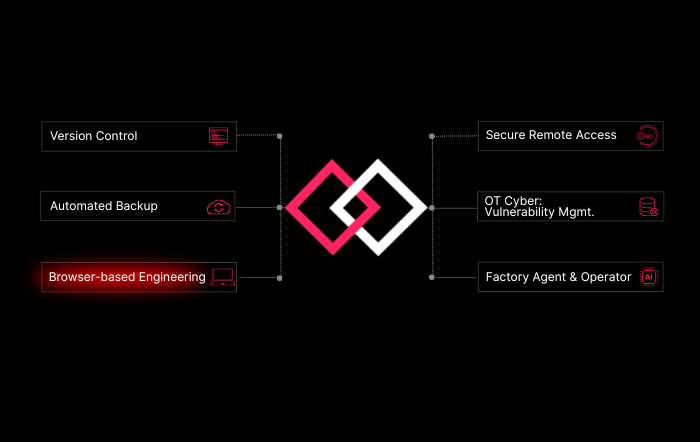
Native VS Code Integration closes that gap: it brings SDA’s version control, backup, and AI code intelligence directly into the editor your team already runs every day.
[ vs code ]
Bring AI-powered PLC engineering into the IDE your developers already use
Why it matters?
Automation engineers increasingly write, review, and debug PLC logic the way software developers do — but most engineering environments still force them into closed, vendor-specific IDEs. Native VS Code Integration closes that gap: it brings SDA's version control, backup, and AI code intelligence directly into the editor your team already runs every day.
-

One editor, every vendor.
One editor, every vendor.
Work across Siemens, Rockwell, Beckhoff, CODESYS, B&R, and more — all from a single VS Code workspace, without switching between proprietary engineering tools.
-

AI assistance where you code.
AI assistance where you code.
Get inline code generation, error detection, and legacy code explanations powered by SDAi — right in your editor, not in a separate app.
-

Version control, built in.
Version control, built in.
See change history, diffs, and commit context for PLC projects the same way you would for any Git-based software project.
-

Zero setup overhead.
Zero setup overhead.
Connect your existing SDA account via the VS Code extension — no local installation of vendor engineering software required for read/review workflows.
[ Video ]
See VS Code in action.
Explore more
-
 Explore
Secure Remote Access
Improve productivity and reduce downtime while improving factories’ security posture.
